Answer first: A browser agent is not a search crawler. It tries to use a page, for example by finding the phone number or filling the quote form. Google’s guide to generative AI features in Search says these agents can read a screenshot, the page’s HTML, and the accessibility tree. The useful fix for a UK or Isle of Man firm is ordinary and visible: a real link or button, a label on every field, the phone number in text, and no banner sitting on top of Submit. That does not put you in an AI answer, and it does not mean an agent will send an enquiry.
Quick answer
Chrome’s agent-ready write-up splits the work in two. When an agent is only searching, ordinary SEO still applies. When an agent is trying to use the site, it needs predictable controls. Those are different jobs:
- Searching and quoting. Crawlers, snippet rules, and the Search Console include-or-exclude switch decide whether a page can be fetched and shown. Those controls are already written up. They do not label your form fields.
- Using the page. A person, a keyboard user, and a browser agent all need a control with a name, a form field with a label, and a submit button that is actually there. web.dev’s agent guide says the same changes also help human visitors.
Do this on the live quote page, logged out, on a phone-sized window as well as a desktop window. Recheck the sources below before you rebuild a form. This article records them for a reader on 14 October 2026. web.dev’s agent page was last updated on 1 April 2026. Chrome’s agent-ready toolkit post is dated 22 June 2026. The Lighthouse scoring page for this category was last updated on 5 May 2026.
None of this is a ranking. Chrome says the Lighthouse Agentic Browsing category has no weighted score from 0 to 100, because the standards are still emerging, and that the point is actionable checks rather than a definitive ranking.
What a browser agent can read
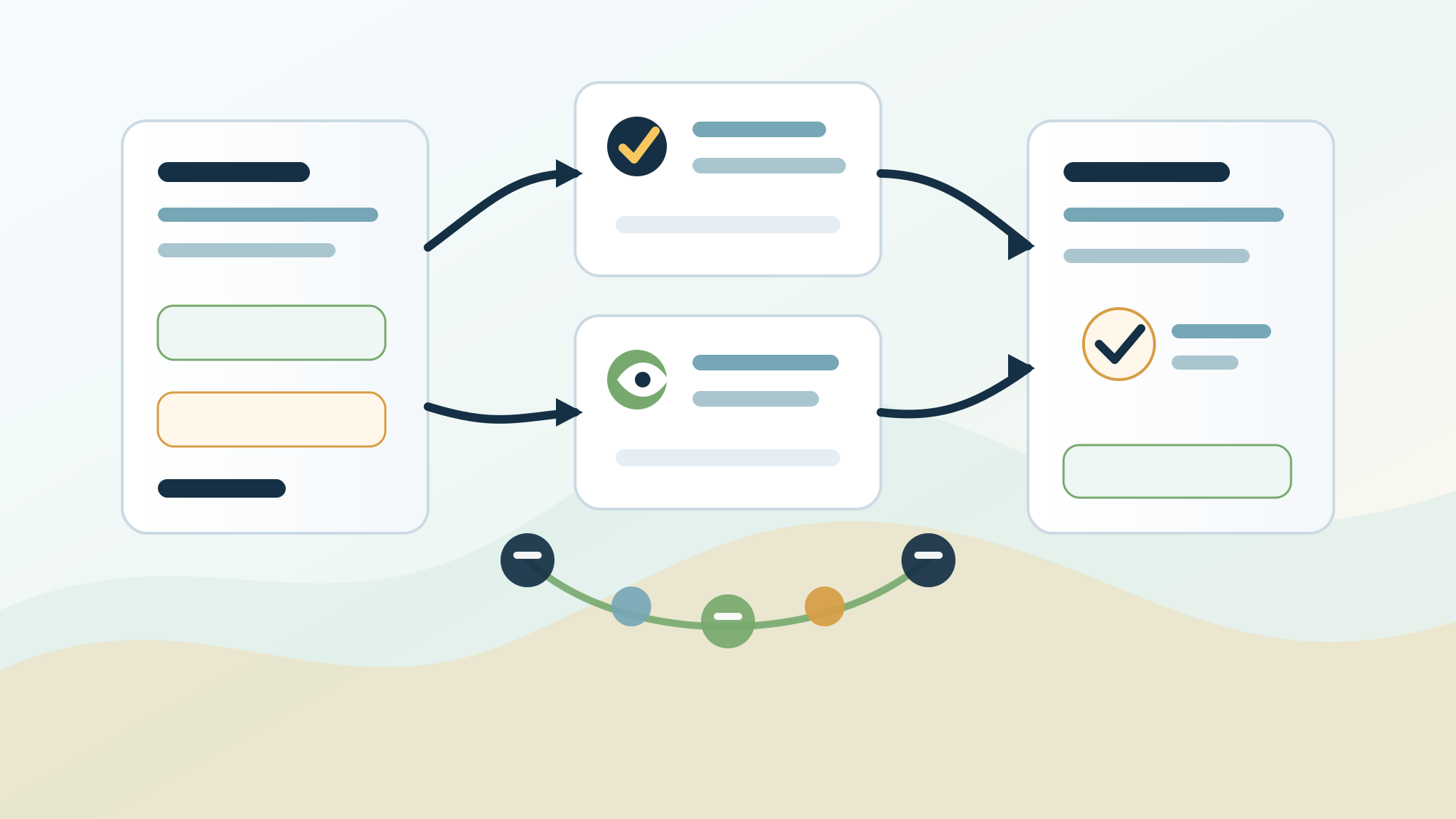
web.dev says agents do not look at the site the way a person looks at a monitor. They use three views, often together:
- A screenshot. A vision model guesses what a box is from its place, size, and colour. web.dev says this is slower and more expensive, so it works as a backup when the structure is confusing. A layout that jumps can make a click land in the wrong place.
- The HTML. The agent reads how elements are nested. If a “Request a quote” control sits inside the boiler-service section, that relationship is in the markup. If the control is only a styled box with a click handler, the HTML does not say it is a button.
- The accessibility tree. This is the browser’s summary of roles, names, and states, the same summary a screen reader uses. web.dev calls it the high-fidelity map. You can preview it in Chrome DevTools. Chrome’s Lighthouse notes for this category say agents rely on that tree, and that every interactive element needs a programmatic name.
Google’s guide to optimizing for generative AI features points site owners at the same idea, and it frames the extra work as optional: look at it if browser agents are relevant to the business and you have time. It also names Universal Commerce Protocol as an emerging protocol that may let Search agents do more. That is not a requirement for a local quote form, and it is not an AI Overview switch.
The include-or-exclude control for AI Overviews and AI Mode is a different setting, on the Search Console property. It is covered in the Search generative AI control guide. Leaving that control on Include does not label a form. Setting it to Exclude does not fix a button that is only a picture.
What to change on the quote form
web.dev’s practical list is short. For a service firm it looks like this.
Use a real link or button. Prefer <a> for a link and <button> for an action. web.dev says agents recognise those as interactive. A <div> or <span> painted to look like a button does not carry that role. If you cannot change the tag, web.dev says to add role and tabindex. A theme that ships a clickable box is the usual case on a small-business site. Open the live page and inspect the control. If the tag is a division, that is the fix, not a new page of keywords.
Give every field a visible label, tied to the field. web.dev says the for attribute on a <label> should match the field’s id, so the purpose of the field is the label text and not a placeholder that disappears. The W3C’s labelling controls tutorial is the same rule for people. Placeholder text inside the box is not a substitute. “Name”, “Phone”, “Town or postcode”, and “What needs doing” are enough for a first enquiry. Add a field only when someone in the firm actually reads it.
Keep the submit control visible and uncovered. web.dev says to avoid transparent overlays that hide interactive elements, because visual analysis can discard a control that is covered. A cookie banner, a chat bubble, or a “book a call” tab that sits on top of Submit is that problem. Move it. Do not leave the only send control underneath.
Do not make the only path a hover. If the phone number or the form appears only after a mouse hover, a screenshot can miss it, and a keyboard user may never reach it. Put the form and the number in the page. A menu that is the only way to the form is a weaker path than a form on the service page itself.
Keep the layout still. web.dev’s example is a button that sits in a different place on every page. Chrome’s layout-stability note for this Lighthouse category says agents that use screenshots or coordinates can miss a control that moves, and it points at ads, images without dimensions, and injected content as common causes. Give images a width and a height. Do not inject a banner that shoves the form down after the page has loaded.
Make the control large enough to see. web.dev says an interactive element needed to finish an action should be visible and larger than 8 square pixels, or visual analysis can filter it out. A normal labelled button already clears that. The failure is a tiny icon with no name, or a hit area that is effectively invisible.
This labelled example is a shape, not a form to paste in. Use your own address, your own fields, and whatever happens after Submit on your site:
``html <form method="post" action="/your-quote-path/"> <label for="quote-name">Name</label> <input id="quote-name" name="name" type="text" autocomplete="name"> <label for="quote-phone">Phone</label> <input id="quote-phone" name="phone" type="tel" autocomplete="tel"> <label for="quote-town">Town or postcode</label> <input id="quote-town" name="town" type="text"> <label for="quote-job">What needs doing</label> <textarea id="quote-job" name="job"></textarea> <button type="submit">Request a quote</button> </form> ``
The phone number beside that form should be text, not only digits printed on a photo of a van:
``html <a href="tel:+44YOURNUMBER">Call the number you actually answer</a> ``
Replace the example with the number you publish. Do not invent a second number for the form.
The words next to the form still have to be true
A readable form does not tell anyone what you do. Google’s AI features guide says important content should be available as text, and that there is no special schema you must add for AI Overviews or AI Mode. Put a short, true sentence in HTML next to the form: the service, the places you actually cover, and what happens after someone sends the form. A person reads it before they type. An agent that only has the field labels still needs that sentence if it is going to describe the firm without guessing.
A Douglas firm that only works on the Island should say so. A firm that covers three towns should name those towns. A near-copy page for every parish, with the same form and a swapped place name, is a doorway pattern, not a clearer form. How to state coverage without that pile of pages is in the local GEO and citations guide. How to shape the service page around the form is in the answer-engine optimisation guide.
If the form asks for a budget, only offer choices you can actually quote. The cost-answer guide is the page for what you publish about price. Do not hide a different figure in the form, in an image, or in structured data.
What happens after a real enquiry — who reads it, what is stored, and when a person replies — is a separate job. The lead capture guide covers that route. This article stops at whether the form can be found, read, and sent.
WebMCP is optional, and it is not finished
web.dev describes WebMCP as a proposed standard for telling an agent what a page can do, using tools declared in HTML or JavaScript. The same page says it is in active development and may change. Chrome’s Lighthouse scoring page says the Agentic Browsing category and WebMCP support are experimental, that running the category needs Chrome 150 or later, and that the WebMCP audits need the WebMCP origin trial.
You do not need a tool registry to publish a quote form. Semantic HTML is the part a small firm can ship and keep true. If you later experiment with WebMCP, Chrome’s schema-validity notes say a form that sets toolname also needs tooldescription, and the other way around, and that a required field needs a name. Lighthouse warns when more than 40 tools are registered on a page. A single quote form is not 40 tools. Do not register a tool for every town you serve.
Lighthouse can also look for an llms.txt file. Its own note says a missing file is not applicable, because providing one is optional. Google’s generative AI guide says Google Search does not use that file, and that adding one neither helps nor harms Google Search. The citations guide is where that file is already explained. Do not add one because a Lighthouse row mentions it.
A short check before you treat the form as done
- Open the live quote URL in a private window. Confirm the form is in the HTML, not only in a screenshot or a PDF.
- Click the quote control and read its tag. It should be a link or a button, with visible text. If a plugin injected a nameless division, that is the bug.
- Tab from the top of the page to Submit using the keyboard. Every field you can reach should have a visible label. Placeholder-only fields fail this.
- Check that a banner, chat widget, or map does not cover Submit. Scroll the page once and confirm the form does not jump.
- Read the sentence beside the form. It should match the towns you travel to and the number you answer. The visibility audit guide is the wider public-page check. This list is only the form.
- If you already use Lighthouse in Chrome 150 or later, the Agentic Browsing category can show pass, fail, and warnings. Treat a pass ratio as a checklist result. Chrome says it is not a ranking.
What not to claim
- That a labelled form, a Lighthouse pass, or a WebMCP tool will get you an AI Overview, a citation, or an enquiry. Google says indexing and serving are not guaranteed. Chrome says this Lighthouse category is not a ranking.
- That WebMCP is required, finished, or stable. web.dev says it is proposed and may change.
- That an
llms.txtfile is how a browser agent finds the quote form. Google says Google Search ignores it. The form still has to be on the page. - That a page for every town, with the same form, is how you cover query fan-out. Google’s generative AI guide says making separate pages for every query variation, mainly to manipulate results, violates its scaled content abuse policy.
- A conversion rate, a star rating, or a “best in town” line. This guide does not add one.
Where Halo fits
Halo’s search, AEO and content service covers service-page strategy, answer-first copy, and structured data that matches the visible page. For a trade firm, the trades service is the related route when the job is the quote page itself. The public boundary is unchanged: no guaranteed rankings, citations, leads, or revenue.
Changing the form is work on your site. Halo does not need a login to read the public page and say whether the button, the labels, the phone link, and the coverage sentence agree. To start, send the quote URL through the free AI audit. Say which fields a person in the firm actually uses.
FAQ
Will a properly labelled quote form get my business into AI Overviews?
No. Google’s AI features guide says a page must be indexed and eligible for a snippet, and that meeting the technical requirements does not mean Google will crawl, index, or serve it. A readable form helps a person and a browser agent use the page. It is not a supporting link.
Do I need WebMCP on a small business website?
No. web.dev describes WebMCP as a proposed standard that is still changing. A quote form needs a real button, labels, and text that states what you do. WebMCP is an experiment for later, not the first fix.
Is the Lighthouse agentic browsing result a Google ranking?
No. Chrome says this category does not use a weighted score from 0 to 100, and that it exists to give pass, fail, and warning checks while the standards are still emerging. It is not a Search ranking, and it is not the Search Console control for AI Overviews.
What if my quote button is a clickable picture or a styled box?
web.dev says to use a link or a button, because agents treat those as interactive. A division or a span needs an explicit role and tabindex if you cannot change the tag. A picture of a button, with the words only inside the image, is a weak control. Put the words in HTML.
Does fixing the form replace crawler settings or the AI Overviews switch?
No. Crawler tokens and the Search Console generative AI control decide whether systems may fetch or show the site. They do not add labels to fields. A form can be perfectly marked up on a site you have chosen to exclude, and an included site can still hide Submit under a banner.
Should an Isle of Man firm treat browser agents differently from a UK firm?
No. The HTML and accessibility rules are the same. What must differ is the true coverage sentence. A firm that only works on the Island should not describe UK-wide attendance beside the form. Google does not publish a separate agent switch for the Island.
Sources
- Google Search Central, Optimizing your website for generative AI features on Google Search, including browser agents, the accessibility tree, the note that the work is for firms that have time, and the statement that Google Search does not use llms.txt.
- web.dev, Build agent-friendly websites, last updated 1 April 2026, including screenshots, HTML, the accessibility tree, semantic controls, labels, overlays, hit size, layout stability, and the caution that WebMCP may change.
- Chrome for Developers, A developer toolkit to make your website agent-ready, 22 June 2026, including the split between agents that search and agents that use a site.
- Chrome for Developers, Lighthouse agentic browsing scoring, last updated 5 May 2026, including Chrome 150, the missing 0 to 100 score, and the statement that this is not a definitive ranking.
- Chrome for Developers, llms.txt Lighthouse audit, including the note that a missing file is not applicable because the file is optional.
- W3C Web Accessibility Initiative, Labelling controls.
- Google Search Central, AI features and your website, including text for important content and the statement that no special schema is required for AI Overviews or AI Mode.
- Google Search Central, Spam policies, including doorway abuse and scaled content abuse.