Quick Answer
An automation error alert is useful only if someone sees it, understands the affected work and knows what to do next. For one important route, identify the notification account, the backup reviewer, the missed-record check and the safe recovery action. Test that chain with a harmless example before relying on it for customer work.
Map the route before changing settings
Pick one business-critical workflow, such as a website enquiry becoming a CRM record. Write its trigger, destination, expected completion signal and normal owner. A tool saying “on” does not prove every run reached the final destination. Compare the source inbox or form submission with the destination queue.
Halo’s existing guides cover duplicate enquiries and backup ownership. This article addresses a narrower gap: what happens when a run fails and the alert is sent to an account no one currently checks.
Check the provider’s actual alert behaviour
Zapier documents default error emails to the account address, configurable frequency and plan-dependent options. It also says an error handler can suppress its standard error notification. Confirm your plan, account address and per-workflow settings in the live product before making a monitoring promise.
Do not forward detailed customer payloads into an informal shared mailbox merely to make alerts visible. The recipient needs enough information to identify the failed route and record, while access and personal-data handling still need an agreed boundary.
Write a small recovery card
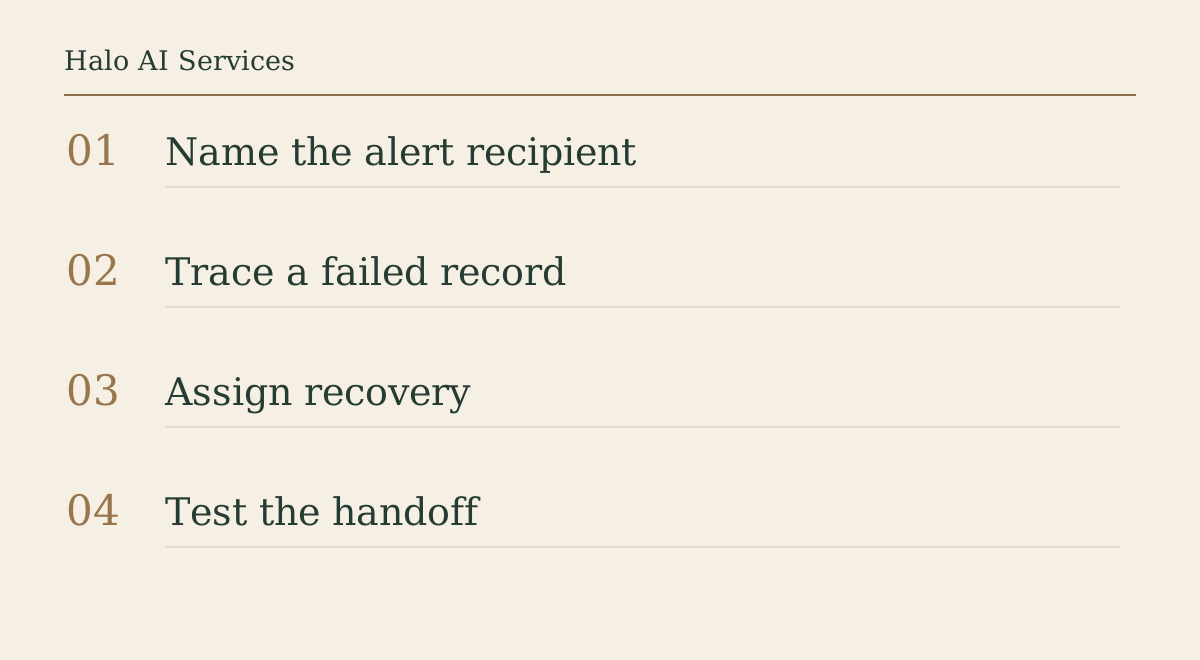
A usable card has the workflow name, alert recipient, backup role, where to inspect source and destination, how to avoid duplicate actions, and who authorises replay or manual completion. Include an escalation time appropriate to the route. “Ask whoever is online” is not an owner.
For a customer-facing route, separate acknowledgement from fulfilment. A failed CRM write may still have triggered a customer reply, so blindly replaying all steps can send a duplicate. Verify the partial state before retrying.
Run a harmless end-to-end test
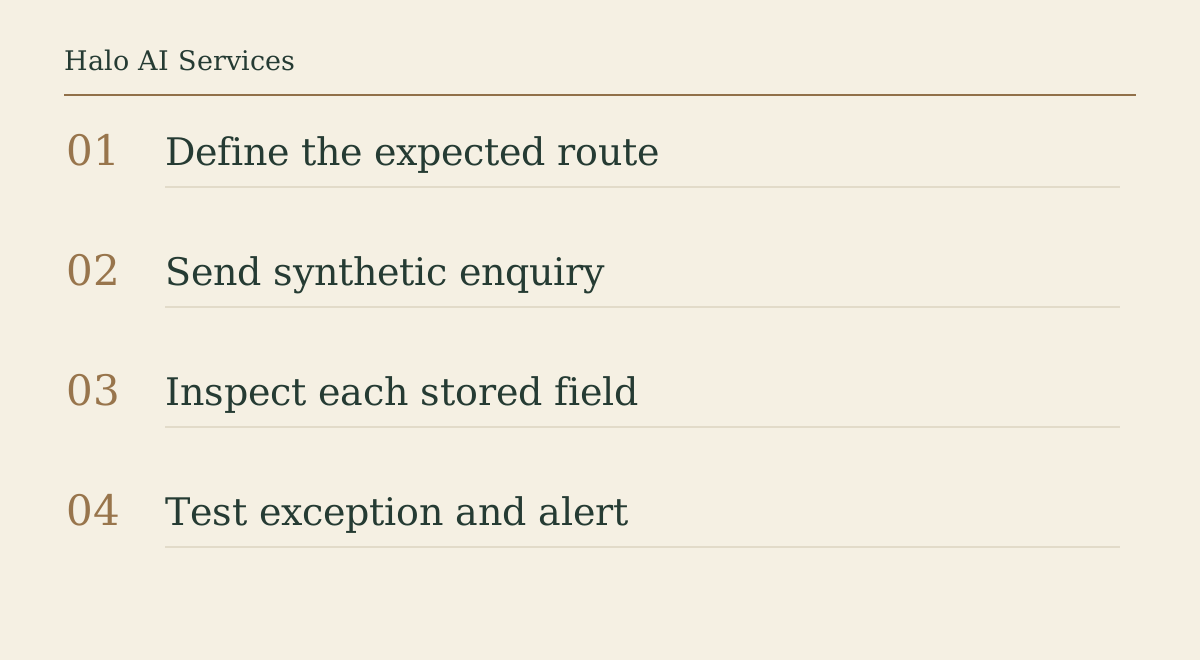
Use a synthetic enquiry with no real customer data. Trigger the route, observe the destination, then use the provider’s safe test or a controlled failure state to see which alert arrives and to whom. Record the timestamp, account, route and result. Restore normal operation and check that the test has not created a live customer task.
If you cannot simulate a failure safely, inspect existing provider test and task-history surfaces and mark the alert path unproved. A screenshot of a settings page is not the same as evidence that the backup owner receives and acts on an alert.
Review the exception queue, not just the dashboard
A short recurring comparison of source submissions against successful destination records can catch failures that never produced a useful email. Keep the review scope small and log unresolved records without exposing personal details in a public report.
Bring Halo one redacted route map, the intended recipient and the last known failure or gap. A bounded audit can test the notification and recovery handoff before changing the whole account.
FAQ
Who receives Zapier error emails by default?
Zapier documents notification to the Zapier account email address by default. Confirm the current account and settings for your plan.
Does an error handler still send the usual Zapier error email?
Zapier says its standard error email is not sent when an error handler runs. Verify the handler’s own alert and recovery path.
Can I simply replay a failed automation?
First check which steps already completed. Replaying without that check can duplicate messages or records.
How do I test alerts without contacting customers?
Use synthetic data and a controlled provider test where available, then inspect the recipient, destination and cleanup state.
Next step
Bring Halo one redacted failed route, its alert settings and the intended backup role. Request a bounded workflow audit that proves who sees and resolves the next failure.
Sources
- Zapier, manage error notifications: Current provider behaviour, notification settings and error-handler exception.
- Zapier, troubleshoot Zap errors: Provider task-history and troubleshooting context.