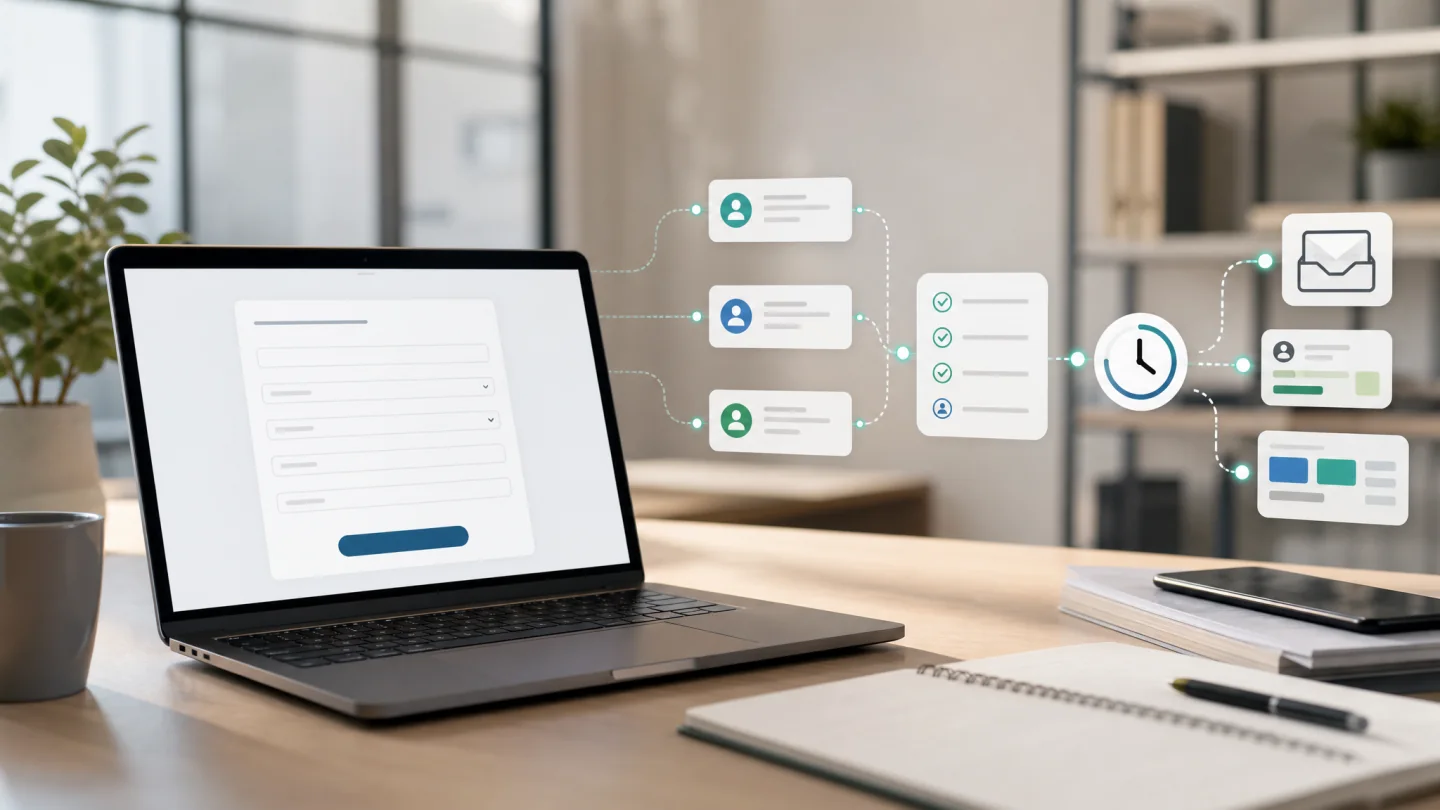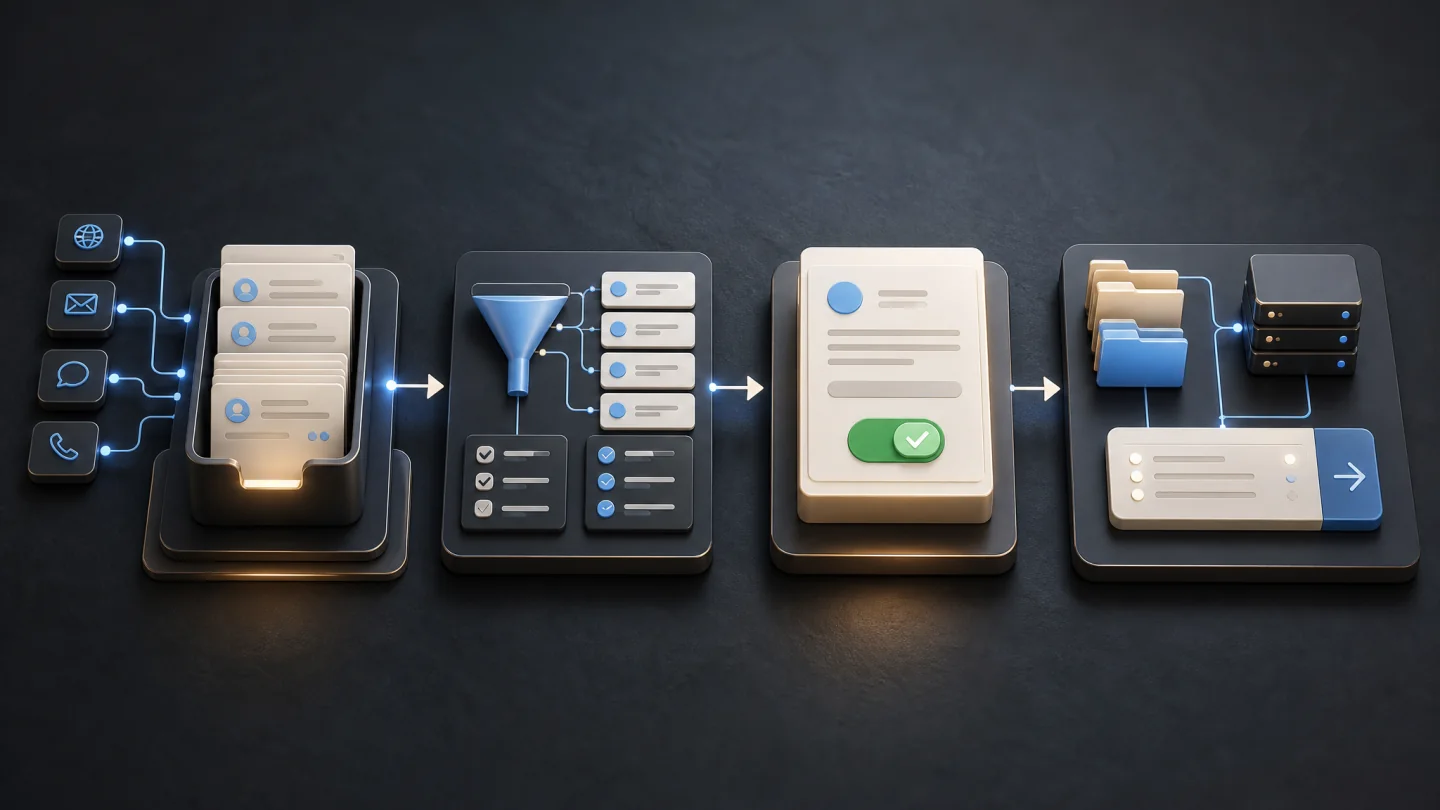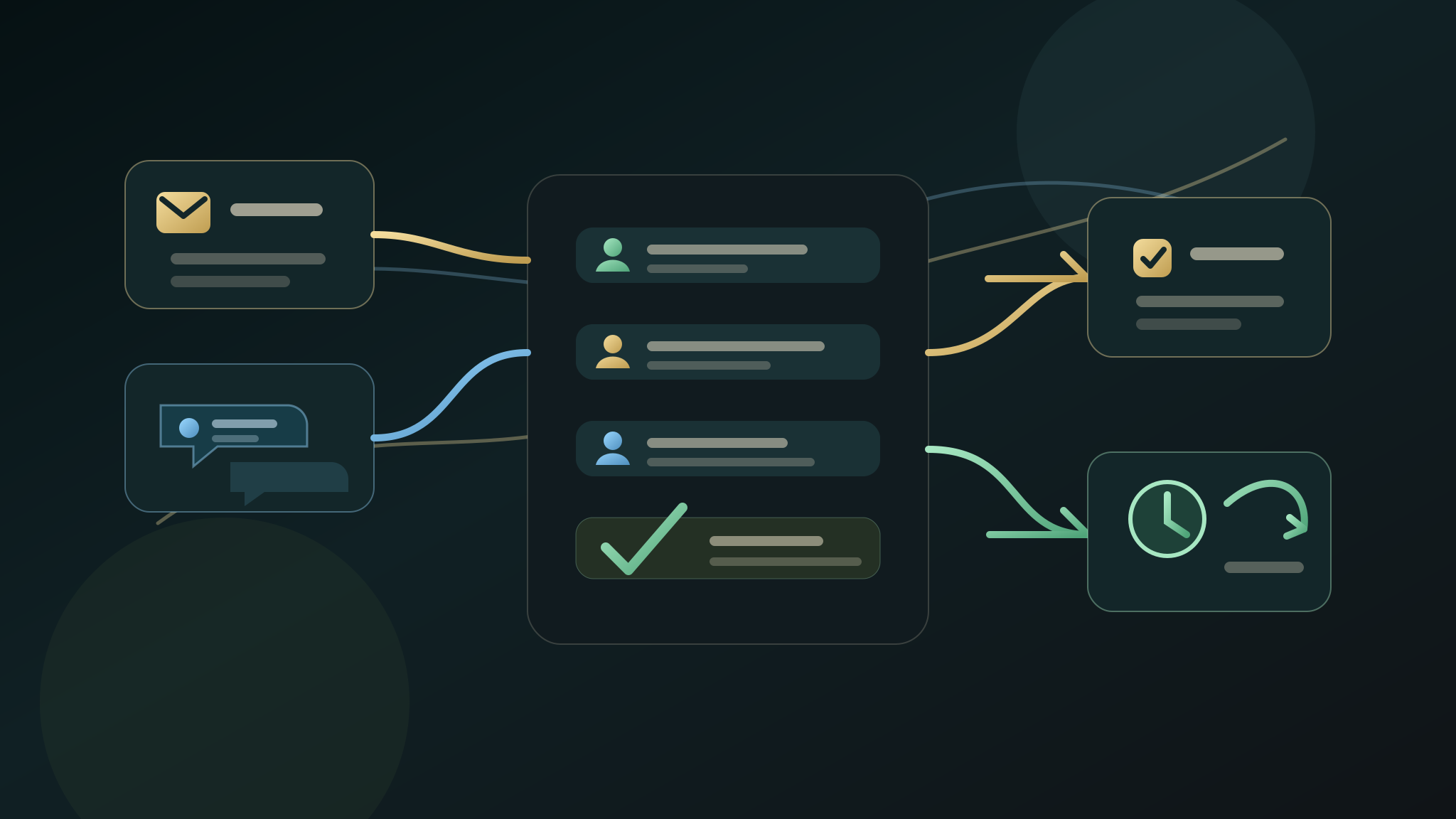
AI CRM automation should help a small business respond to enquiries with less admin, not remove judgement from the sales process. The useful first step is usually a triage layer: capture the enquiry, summarise what matters, assign the next action, and leave customer-facing replies behind a clear human approval point.
For UK SMEs, the safest CRM automation project starts with one enquiry route and one repeated admin job. Do not connect every tool at once. Prove that one lead can move from form, call, inbox, or booking request into a cleaner CRM note and next task.
Quick Answer
AI CRM automation for a UK small business should start by improving enquiry triage. The first workflow should capture the lead source, service interest, urgency, location, missing details, and next owner task, then write a structured note into the CRM or task system for review. It should not send customer-facing messages, change deal stages, or update live records without an approval boundary the business understands.
Why CRM Automation Goes Wrong
CRM automation becomes risky when one enquiry creates several records or when software merges people from weak evidence. Shared inboxes, repeat customers, spelling differences, forwarded forms, and incomplete phone numbers can all look like duplicates without being the same buyer or request.
The first CRM workflow should expose ambiguity rather than hiding it.
Keep identity matching separate from opportunity routing. A verified contact match does not prove that the enquiry is a duplicate: the same customer may be asking about a second service, location, job, or buying cycle.
The First CRM Automation Workflow
Start with one enquiry route and separate matching from routing:
- Normalise email, telephone, and domain formats without overwriting the submission.
- Search for possible existing contacts, organisations, and open opportunities.
- Show the fields that caused each possible match.
- Draft a create, link, merge-review, or no-action recommendation.
- Let a person decide whether the enquiry is new, related, duplicate, spam, or uncertain.
- Route the reviewed record to the right owner with service, location, urgency, and missing details.
Never merge solely because names resemble one another. Preserve the original enquiry and the reviewer's decision.
Use an evidence hierarchy. Exact identifiers can produce a strong match candidate; organisation, address, and open-opportunity context can support review; fuzzy names or similar message text should only raise a low-confidence flag. Show the evidence rather than collapsing it into an unexplained score.
What To Automate First
A bounded first version can:
- Detect exact email or telephone matches.
- Flag close names only as review candidates.
- Separate a repeat customer from a new request.
- Identify an existing contact with a different open opportunity.
- Route ambiguous records to a review queue.
- Create an owner task after the record decision.
- Leave customer replies and deal-stage changes behind approval.
Test shared addresses, changed surnames, forwarded enquiries, missing identifiers, one buyer requesting two services, and two people from the same organisation.
Test routing separately from matching. The service, geography, urgency, existing owner, availability, and exception policy may point to different queues even after the identity decision is settled. A correct match with an incorrect owner is still a failed handoff.
The Human Approval Boundary
AI can normalise fields, suggest possible matches, summarise the enquiry, and propose an owner. A person approves any merge, deletion, account association, deal-stage change, or customer-facing reply.
Measure duplicate records per 100 enquiries, unassigned enquiries, review time, and routing corrections. Track false merges separately: any confirmed false merge is a stop condition, not an acceptable efficiency trade-off.
What To Send Before An Audit
A CRM automation audit does not need passwords or customer records. It needs enough context to see the repeated handoff.
Useful inputs include:
- The enquiry route: form, call, inbox, quote, booking, or referral.
- The CRM or task system name if that context matters.
- A redacted example of the information that arrives.
- The details the team usually has to copy or rewrite.
- The next action that gets missed most often.
- The approval boundary for CRM updates and customer replies.
- The proof signal that would make the first workflow worth expanding.
Keep private customer data, account invitations, API keys, and full inbox exports out of the first request.
Proof Signals For CRM Automation
Choose a proof signal before the workflow is built.
Useful proof signals include:
- Fewer enquiries with no next task.
- Faster first internal assignment after an enquiry lands.
- Fewer missing details before quoting or booking.
- Less owner time spent rewriting the same CRM note.
- Cleaner handoff between form, inbox, phone, CRM, and task list.
- More consistent follow-up after quotes or consultations.
- Easier weekly review of open leads and stalled opportunities.
The signal does not need to prove a whole CRM transformation. It needs to prove that the first triage workflow is worth repeating.
CRM Automation vs Follow-Up Automation
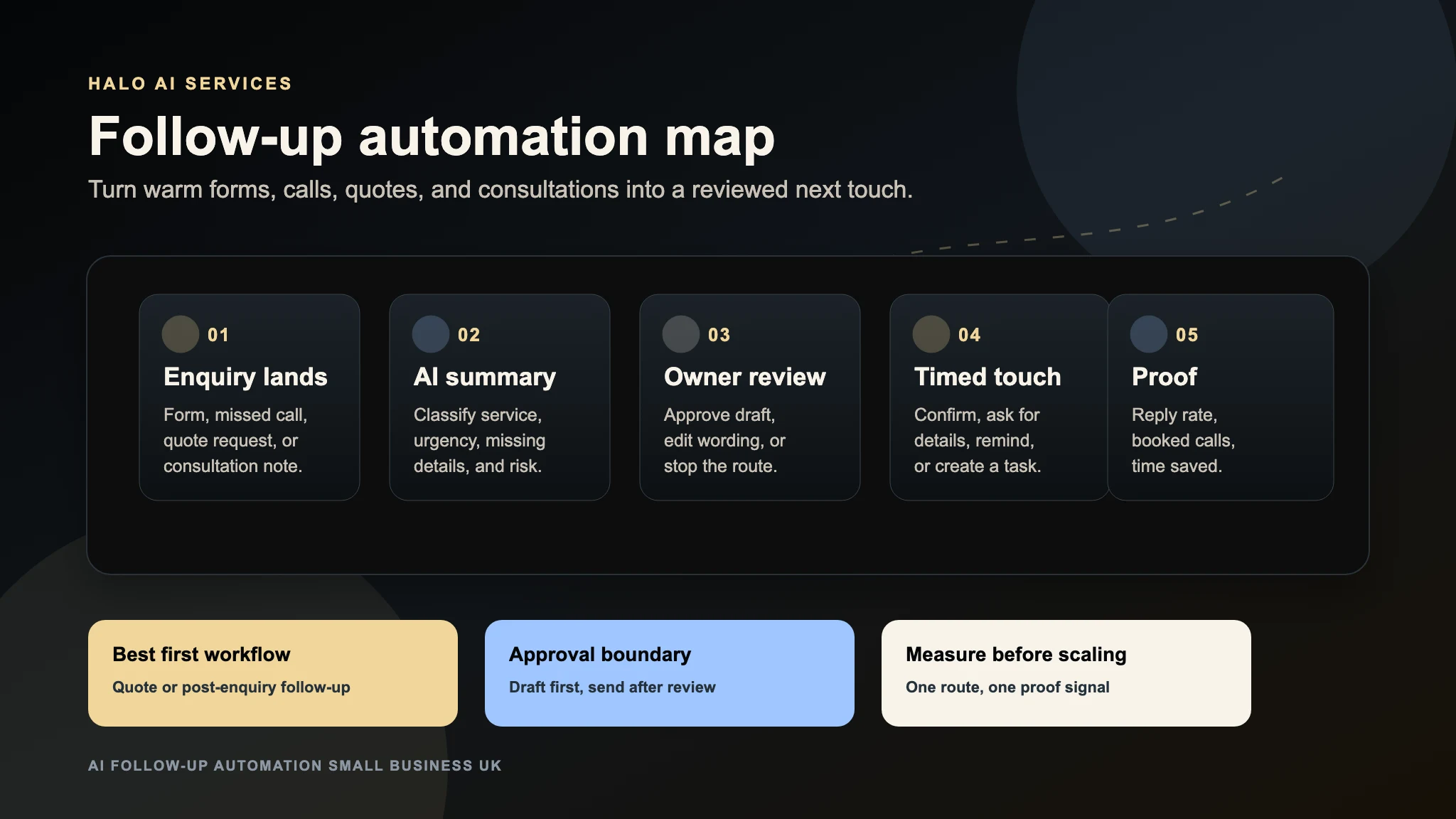
CRM automation organises the internal record and next task. Follow-up automation handles the timing and content of the next touch.
They often work together, but they should not be merged too early. First, make sure the team knows what the enquiry is, who owns it, and what action is due. Then decide whether reminders, reply drafts, or follow-up sequences should be added.
If the CRM is messy, start with triage. If the CRM is clean but leads still cool after quotes or consultations, start with follow-up.
What Halo Looks For
For a first CRM automation audit, Halo looks for one route where admin drag is visible.
The review usually checks:
- Whether the enquiry source is clear.
- Whether the CRM note captures the buyer problem.
- Whether service type, urgency, location, and fit are easy to see.
- Whether the next task is explicit.
- Whether the owner approval point is clear.
- Whether customer-facing messages are separated from internal drafts.
- Whether the proof signal can be checked after the first workflow launches.
That keeps the project practical. The first output should be a workflow map or source-ready automation plan, not a vague promise to automate sales.
What Happens After The First Workflow
After the first CRM automation workflow is working, expand only if the signal is useful.
Good expansion paths include:
- Add the same triage pattern to another enquiry route.
- Add reviewed reply drafts for common missing-detail questions.
- Add quote or consultation follow-up tasks.
- Add a weekly stalled-lead summary.
- Connect reporting once the underlying CRM actions are reliable.
If the first workflow creates noise, fix the trigger, summary, or approval point before connecting more systems.
FAQ
What is AI CRM automation for a small business?
AI CRM automation uses AI-assisted summaries, routing, and task creation to make enquiries easier to handle inside a CRM or task system. For a small business, the first useful version usually turns a form, call, or inbox enquiry into a clean internal note and next action.
Should AI update CRM records automatically?
Not at the start. AI can draft notes, suggest fields, and propose next actions, but automatic CRM updates should be limited until the business has approved the workflow, checked the output, and defined what must stay human-reviewed.
What CRM task should an SME automate first?
The best first task is the repeated handoff closest to revenue: turning a new enquiry into a structured note, owner task, missing-detail check, or quote follow-up reminder. Start where leads currently stall or admin is copied by hand.
Does CRM automation need private customer data for the first audit?
No. A first audit can work from a redacted example, workflow note, public form route, or description of the handoff. Passwords, API keys, customer records, and live CRM access should wait for explicit approval.
How do you measure CRM automation?
Measure one practical signal: fewer unassigned enquiries, faster internal handoff, fewer missing details, less repeated admin writing, or cleaner follow-up after quotes and consultations. Pick the signal before the workflow is built.