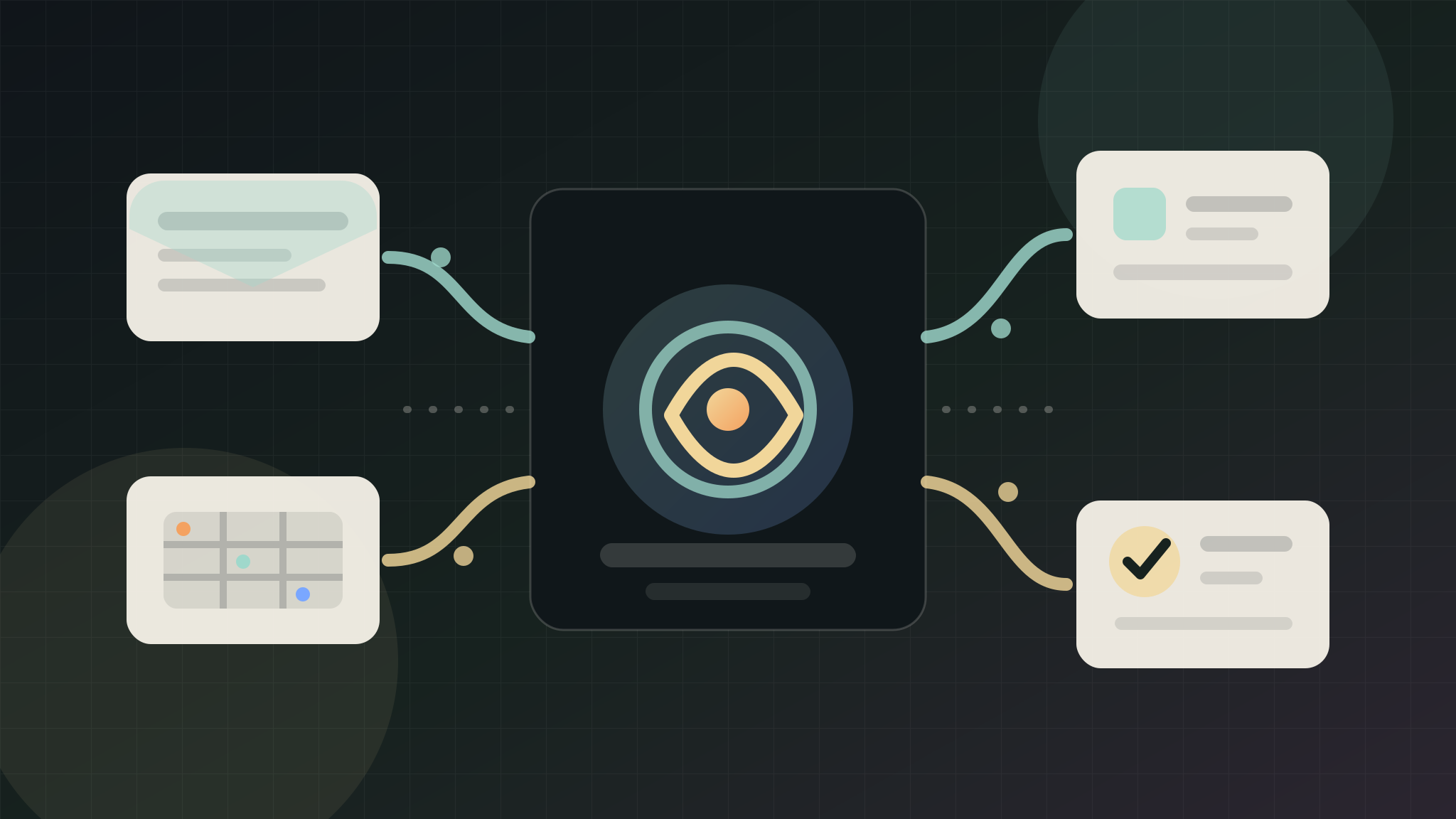
AI admin automation should remove repeated handoffs without giving software uncontrolled authority over the business. For a UK SME, the best first project is usually not a full operations rebuild. It is one narrow workflow where inbox messages, spreadsheet rows, forms, notes, or tasks are copied by hand every week.
The useful first step is to turn that repeated movement into a structured draft: what arrived, what it means, who owns the next action, what is missing, and what should stay behind human approval.
Quick Answer
AI admin automation for a small business should start with one repeated handoff, not the whole back office. A safe first workflow can summarise an inbox thread, structure a spreadsheet row, create an internal task, flag missing details, or draft a next-step note for review. It should not send customer messages, delete records, change live systems, or connect private accounts until the business has approved the route, reviewed sample output, and chosen the proof signal.
Where Admin Automation Usually Pays Off First
The best first admin automation is close to revenue or owner time.
Look for a workflow where the same information is copied between places:
- Website enquiry to spreadsheet.
- Inbox message to task list.
- Call note to CRM.
- Quote request to follow-up reminder.
- Booking request to internal checklist.
- Supplier email to weekly action list.
- Form response to owner summary.
The automation does not need to be clever at the start. It needs to make the next action clearer and reduce repeated manual rewriting.
Choose One Handoff, Not Every Tool
Small businesses often have a messy mix of inboxes, spreadsheets, CRMs, calendars, forms, and task apps. Connecting all of them at once creates risk because the business cannot see which step caused a problem.
Start by naming one handoff:
- The source where the information arrives.
- The destination where the team needs it next.
- The fields or summary that matter.
- The person who approves the next action.
- The proof signal that will decide whether to repeat the pattern.
That keeps the first workflow testable. If it works, the same pattern can be applied to another route.
Safe First Workflows
Good first AI admin workflows create internal structure before they touch customers.
Useful first slices include:
- Summarise new enquiry emails into an internal action note.
- Extract service type, urgency, location, and missing details from a form.
- Turn meeting notes into follow-up tasks for owner review.
- Create a weekly list of stale quotes or unanswered enquiries.
- Convert spreadsheet rows into a cleaner task queue.
- Draft a reply that a person checks before sending.
- Flag records that need attention without overwriting them.
These workflows help the business move faster while keeping judgement visible.
Workflows To Avoid At The Start
Avoid giving a new automation live authority too early.
Risky first moves include:
- Sending customer-facing messages without review.
- Updating deal stages across the CRM automatically.
- Deleting, merging, or overwriting records.
- Changing prices, bookings, invoices, or payment steps.
- Using private customer data before the workflow has a clear reason.
- Connecting every inbox, CRM, spreadsheet, and calendar in one build.
Those actions may become appropriate later, but they should not be the first proof slice. Draft, review, and compare before live changes expand.
The Approval Boundary
The approval boundary is the line between helpful automation and operational risk.
A practical first boundary might be:
- AI can read a redacted example or approved source.
- AI can summarise the handoff.
- AI can suggest a next task.
- AI can draft a customer message for review.
- A person approves anything customer-facing.
- A person approves live system updates.
- A person approves account connections and private-data use.
This boundary gives the owner confidence that automation is reducing admin work, not quietly changing the way customers are handled.
What To Send Before An Audit
An admin automation audit does not need passwords, API keys, or a full export. It needs one repeated workflow and enough safe context to understand it.
Useful inputs include:
- The admin task that gets repeated most often.
- The source and destination of the handoff.
- A redacted example of the information that arrives.
- The fields or summary the team rewrites by hand.
- The next task that is most often missed.
- The approval boundary for live changes and customer messages.
- The proof signal that would make the first workflow worth expanding.
For many SMEs, a short workflow note is enough to start. Keep customer records, account invitations, tracking keys, payment access, and full inbox exports out of the first request.
Proof Signals For Admin Automation
Choose one proof signal before building.
Useful proof signals include:
- Fewer tasks created by hand.
- Faster internal assignment after an enquiry or email arrives.
- Fewer missing details before quoting, booking, or replying.
- Less owner time spent rewriting the same summary.
- Cleaner weekly review of open enquiries, quotes, or admin tasks.
- Fewer handoffs stuck between inbox, spreadsheet, CRM, and task list.
- More consistent follow-up after a human approves the next step.
The signal does not need to prove a whole operational transformation. It needs to show whether one repeated handoff is worth automating again.
Admin Automation vs CRM Automation
Admin automation is broader than CRM automation. It covers inboxes, forms, spreadsheets, task lists, calendars, notes, and internal reviews. CRM automation focuses on the sales record and customer relationship process.
If the main problem is messy lead records, start with AI CRM automation. If the main problem is repeated copying between tools, start with admin automation. If the team is unsure which route matters most, use the AI readiness scorecard or send one workflow through the free AI audit.
What Halo Looks For
For a first admin automation audit, Halo looks for one repeated handoff with a visible before-and-after signal.
The review usually checks:
- Whether the source and destination are clear.
- Whether the repeated fields are obvious.
- Whether the next owner task can be named.
- Whether private data can be avoided at audit stage.
- Whether customer-facing actions stay behind approval.
- Whether the workflow belongs in a CRM, task list, spreadsheet, or inbox process.
- Whether the proof signal can be checked after the first slice launches.
That keeps the project practical. The first output should be a safe workflow map, source-ready automation plan, or reviewed draft process, not a vague promise to automate admin.
What Happens After The First Workflow
After the first workflow works, expand carefully.
Good next steps include:
- Apply the same handoff pattern to a second enquiry route.
- Add reviewed reply drafts for common missing details.
- Add quote, booking, or consultation follow-up tasks.
- Add a weekly owner summary of open actions.
- Connect live systems only after the review boundary is proven.
If the first workflow creates noise, fix the trigger, summary, destination, or approval point before adding more tools.
FAQ
What is AI admin automation for a small business?
AI admin automation uses AI-assisted summaries, extraction, routing, and task creation to reduce repeated internal admin. For a small business, the first useful version usually turns an inbox message, form, spreadsheet row, or note into a cleaner internal action for review.
What admin task should a small business automate first?
The best first task is the repeated handoff closest to revenue or owner time. Good examples include enquiry summaries, missing-detail checks, quote follow-up tasks, inbox-to-task routing, and weekly open-action summaries.
Should AI send customer emails automatically?
Not at the start. AI can draft a reply, summarise context, and suggest the next step, but customer-facing messages should stay behind human approval until the workflow has been reviewed and the business understands the risk.
Does admin automation need private account access?
Not for the first audit. A redacted example, public form route, workflow note, or safe screenshot is usually enough to choose the first slice. Private accounts, API keys, customer records, and live connections should wait for explicit approval.
How do you measure AI admin automation?
Measure one practical signal: fewer manual tasks, faster internal assignment, fewer missing details, cleaner weekly review, less repeated rewriting, or fewer handoffs stuck between tools. Pick the signal before the workflow is built.