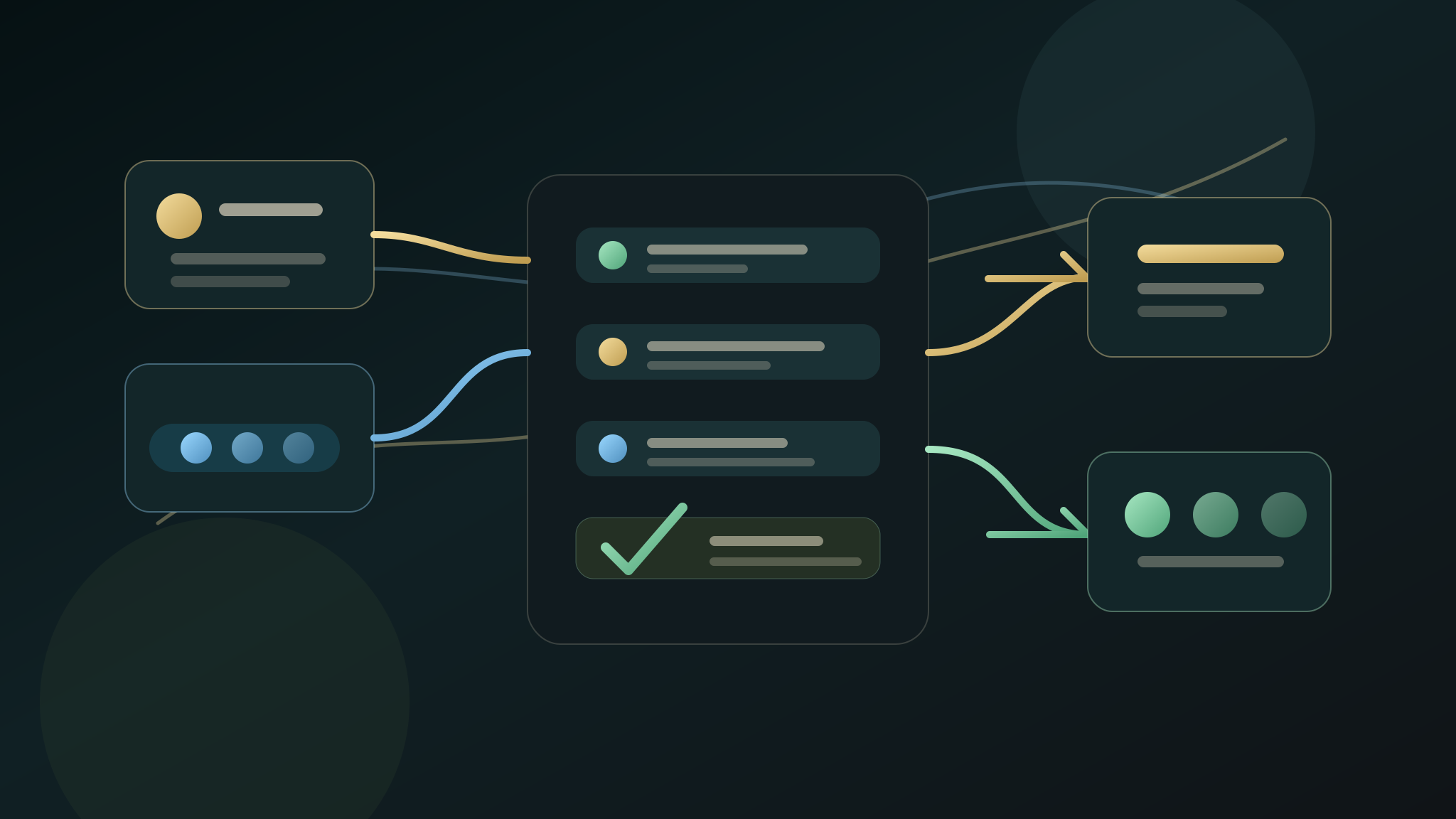
AI CRM automation should help a small business respond to enquiries with less admin, not remove judgement from the sales process. The useful first step is usually a triage layer: capture the enquiry, summarise what matters, assign the next action, and leave customer-facing replies behind a clear human approval point.
For UK SMEs, the safest CRM automation project starts with one enquiry route and one repeated admin job. Do not connect every tool at once. Prove that one lead can move from form, call, inbox, or booking request into a cleaner CRM note and next task.
Quick Answer
AI CRM automation for a UK small business should start by improving enquiry triage. The first workflow should capture the lead source, service interest, urgency, location, missing details, and next owner task, then write a structured note into the CRM or task system for review. It should not send customer-facing messages, change deal stages, or update live records without an approval boundary the business understands.
Why CRM Automation Goes Wrong
CRM automation fails when it tries to fix every admin problem at once. A small business may have forms, phone calls, inbox threads, quote requests, spreadsheets, and a CRM that is only partly up to date. Connecting everything before the workflow is clean can create faster confusion.
The better question is narrower:
- Which enquiry route creates the most repeated admin?
- Which details are missing when the lead reaches the owner?
- What next action should always be visible?
- Which updates can be drafted safely before a human approves them?
That keeps the first project close to revenue and away from hidden operational risk.
The First CRM Automation Workflow
Start with one workflow that turns a messy enquiry into a usable action.
The first version can usually collect:
- Where the enquiry came from.
- What service or outcome the buyer wants.
- Location, urgency, and rough fit.
- Missing details needed before quoting or booking.
- Whether the next step is reply, call, quote, book, reject, or ask a question.
- The person responsible for the next task.
- The proof signal to compare after launch.
This is not a full CRM rebuild. It is a controlled intake and triage workflow that makes the next action harder to miss.
What To Automate First
The first automation should remove repeated copying, summarising, and task creation.
Good first slices include:
- Turn website form submissions into structured CRM notes.
- Summarise missed-call or voicemail details into an owner task.
- Extract service type and urgency from an enquiry email for review.
- Create a quote follow-up task after a proposal is sent.
- Flag missing details before a team member replies.
- Route low-fit enquiries to a review queue instead of the main sales list.
- Add a weekly summary of open enquiries that have no next action.
Avoid starting with automatic deal-stage changes, customer messages, payment reminders, or account-wide CRM edits until the simple triage route has passed review.
The Human Approval Boundary
AI can draft a CRM note or suggest a next action. The business should decide what happens live.
A practical approval boundary might be:
- AI can summarise an enquiry.
- AI can suggest a next task.
- AI can draft a reply for review.
- AI can identify missing details.
- A person approves customer-facing replies.
- A person approves deal-stage changes.
- A person approves deleting, merging, or overwriting records.
That boundary matters because CRM data affects live selling. The first automation should make the team faster without silently changing how customers are handled.
What To Send Before An Audit
A CRM automation audit does not need passwords or customer records. It needs enough context to see the repeated handoff.
Useful inputs include:
- The enquiry route: form, call, inbox, quote, booking, or referral.
- The CRM or task system name if that context matters.
- A redacted example of the information that arrives.
- The details the team usually has to copy or rewrite.
- The next action that gets missed most often.
- The approval boundary for CRM updates and customer replies.
- The proof signal that would make the first workflow worth expanding.
Keep private customer data, account invitations, API keys, and full inbox exports out of the first request.
Proof Signals For CRM Automation
Choose a proof signal before the workflow is built.
Useful proof signals include:
- Fewer enquiries with no next task.
- Faster first internal assignment after an enquiry lands.
- Fewer missing details before quoting or booking.
- Less owner time spent rewriting the same CRM note.
- Cleaner handoff between form, inbox, phone, CRM, and task list.
- More consistent follow-up after quotes or consultations.
- Easier weekly review of open leads and stalled opportunities.
The signal does not need to prove a whole CRM transformation. It needs to prove that the first triage workflow is worth repeating.
CRM Automation vs Follow-Up Automation
CRM automation organises the internal record and next task. Follow-up automation handles the timing and content of the next touch.
They often work together, but they should not be merged too early. First, make sure the team knows what the enquiry is, who owns it, and what action is due. Then decide whether reminders, reply drafts, or follow-up sequences should be added.
If the CRM is messy, start with triage. If the CRM is clean but leads still cool after quotes or consultations, start with follow-up.
What Halo Looks For
For a first CRM automation audit, Halo looks for one route where admin drag is visible.
The review usually checks:
- Whether the enquiry source is clear.
- Whether the CRM note captures the buyer problem.
- Whether service type, urgency, location, and fit are easy to see.
- Whether the next task is explicit.
- Whether the owner approval point is clear.
- Whether customer-facing messages are separated from internal drafts.
- Whether the proof signal can be checked after the first workflow launches.
That keeps the project practical. The first output should be a workflow map or source-ready automation plan, not a vague promise to automate sales.
What Happens After The First Workflow
After the first CRM automation workflow is working, expand only if the signal is useful.
Good expansion paths include:
- Add the same triage pattern to another enquiry route.
- Add reviewed reply drafts for common missing-detail questions.
- Add quote or consultation follow-up tasks.
- Add a weekly stalled-lead summary.
- Connect reporting once the underlying CRM actions are reliable.
If the first workflow creates noise, fix the trigger, summary, or approval point before connecting more systems.
FAQ
What is AI CRM automation for a small business?
AI CRM automation uses AI-assisted summaries, routing, and task creation to make enquiries easier to handle inside a CRM or task system. For a small business, the first useful version usually turns a form, call, or inbox enquiry into a clean internal note and next action.
Should AI update CRM records automatically?
Not at the start. AI can draft notes, suggest fields, and propose next actions, but automatic CRM updates should be limited until the business has approved the workflow, checked the output, and defined what must stay human-reviewed.
What CRM task should an SME automate first?
The best first task is the repeated handoff closest to revenue: turning a new enquiry into a structured note, owner task, missing-detail check, or quote follow-up reminder. Start where leads currently stall or admin is copied by hand.
Does CRM automation need private customer data for the first audit?
No. A first audit can work from a redacted example, workflow note, public form route, or description of the handoff. Passwords, API keys, customer records, and live CRM access should wait for explicit approval.
How do you measure CRM automation?
Measure one practical signal: fewer unassigned enquiries, faster internal handoff, fewer missing details, less repeated admin writing, or cleaner follow-up after quotes and consultations. Pick the signal before the workflow is built.